Before you buy
Send us the exact model numbers first. We will confirm whether the device is suitable for your tripleshot setup before you spend money.
We don't sell hardware directly. The items below are what Tripleshot POS supports.
Hardware details
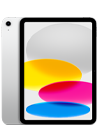
The stand should keep the iPad visible, protected, charged, and easy for staff to use during fast order entry.
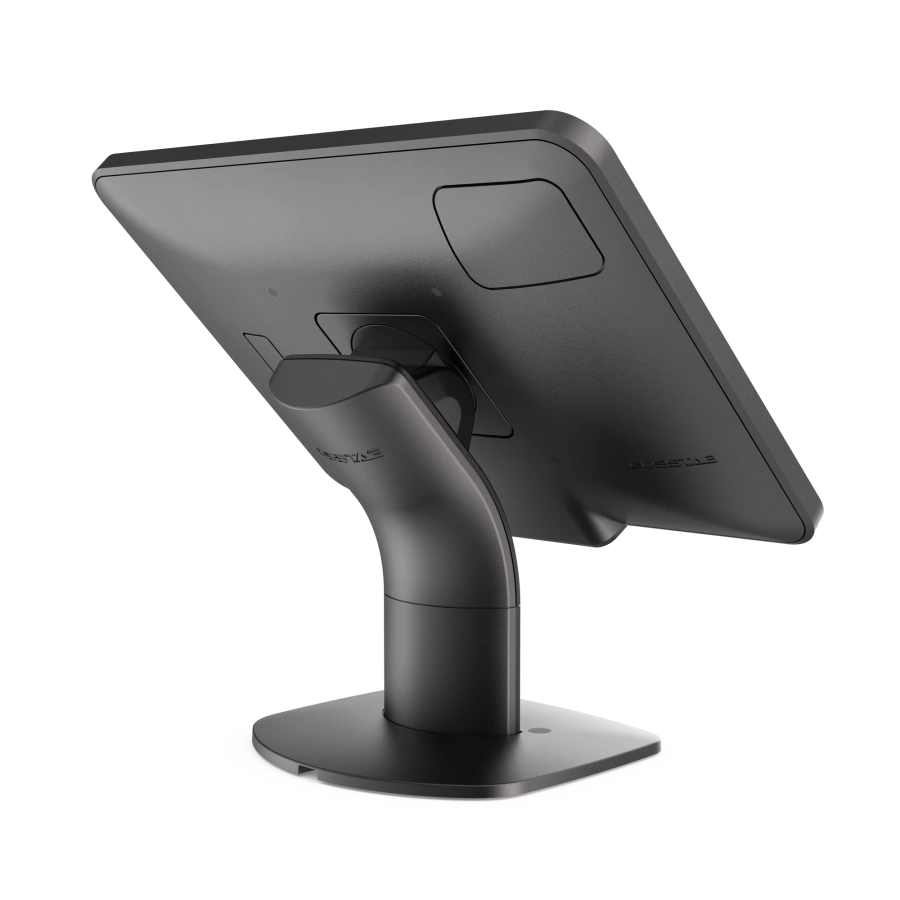
We can recommend a practical stand once we understand your counter layout.
Setup path
We keep the hardware decision practical: reuse what works, replace what slows service down, and test the full order flow before launch.
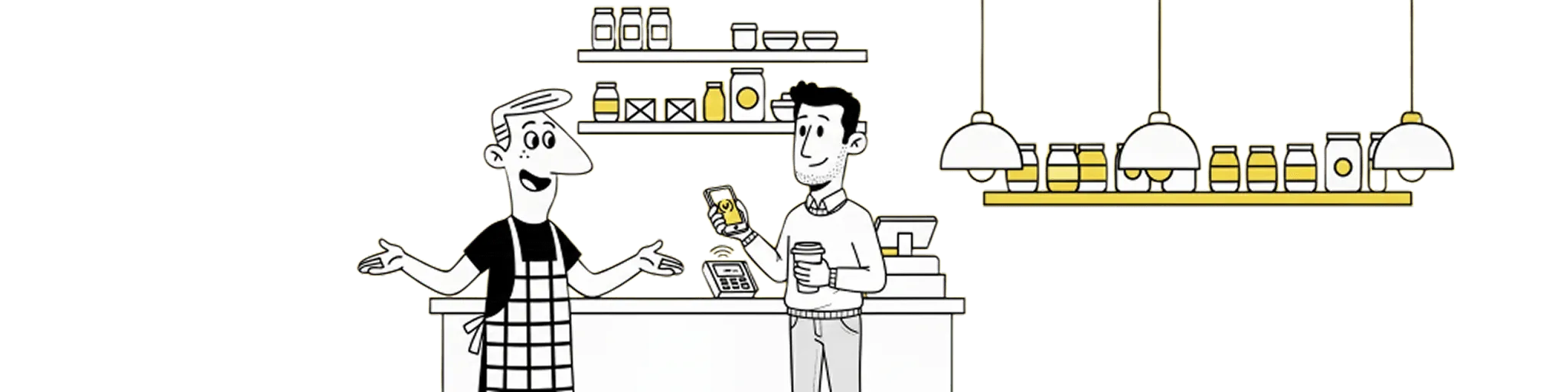
Tell us what hardware you already own.
We confirm what can be reused and what should be replaced.
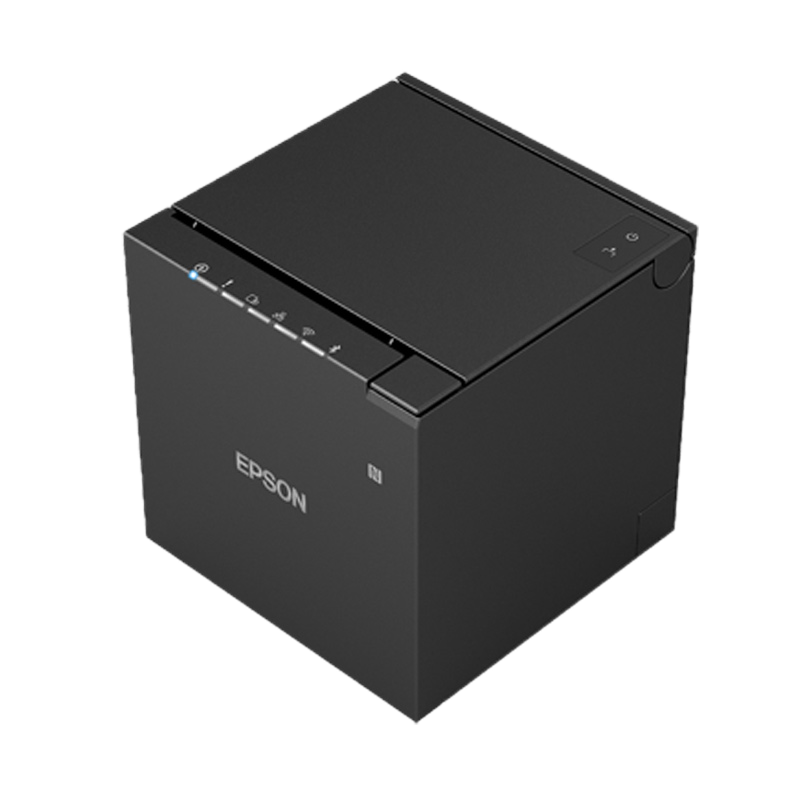
Connect printers over USB and pair payment terminals during onboarding.
Run a test order through counter, kitchen, receipt, and payment flows.
Send us the exact model numbers first. We will confirm whether the device is suitable for your tripleshot setup before you spend money.
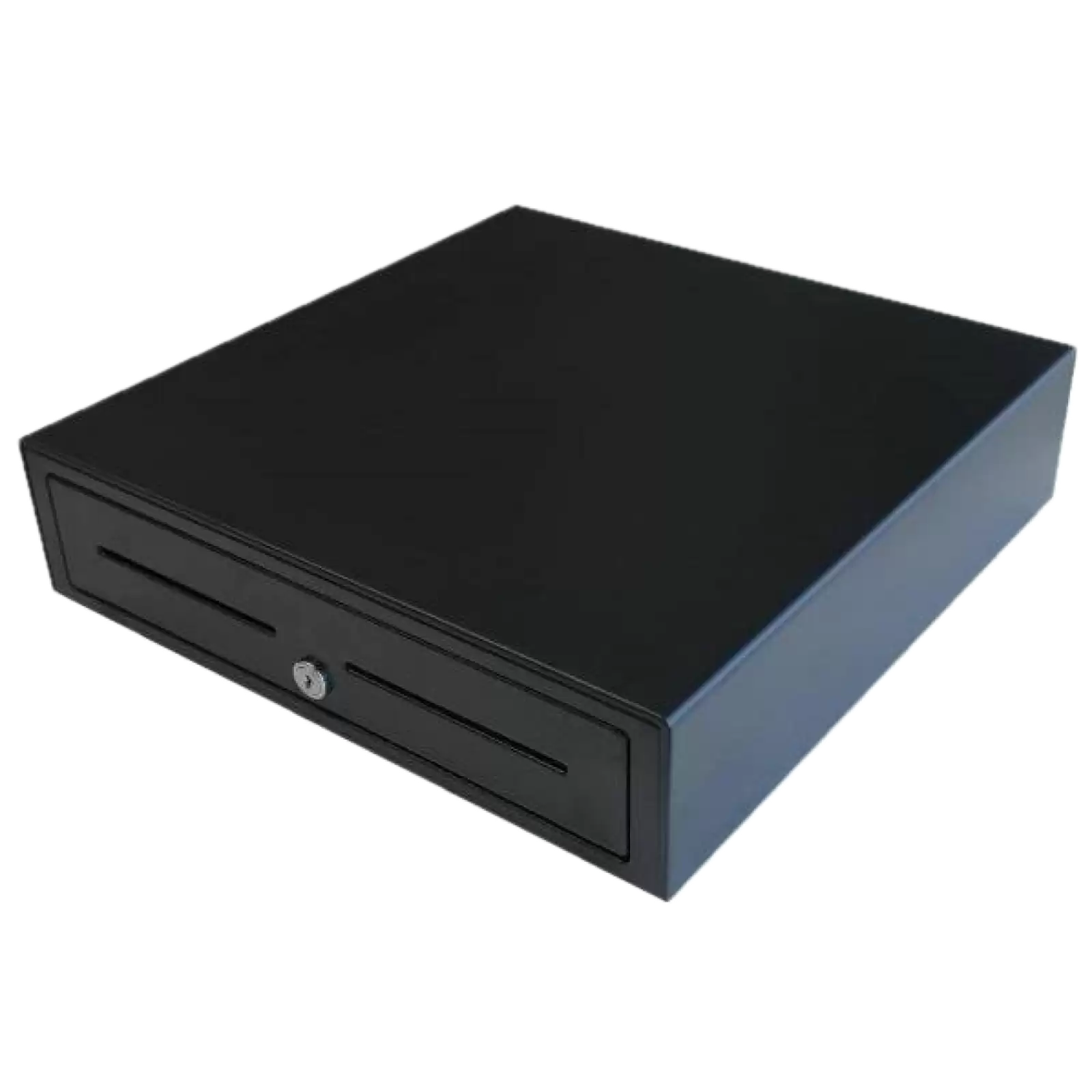
Most cafes can reuse some existing equipment. Printers, drawers, iPads, and stands should be checked during onboarding.
We will recommend a simple setup for your counter, kitchen, and payment flow based on the way your venue operates.
Not sure?
Include the iPad model, printer model, cash drawer type, and any payment terminal details. We will tell you what is supported and what needs changing.
Get your own app today for your cafe